Book a 30-minute Pennix demo

See the AI Intake Department take the first touch — so your team can get to the real work.

Pennix receives client documents the way clients already send them, identifies and files what came in, and surfaces what is still missing — before your preparer opens the file. Book a demo and watch one client file go through it, step by step.

Pick a time

30-minute demo Zoom link sent with your confirmation Times shown in your time zone

Client file

Mark · 2026 return

0 received · 0 missing

A client file, worked by the department.

Lilly drafted the request to Mark. Nothing is sent until you approve it.

Pick a time. Your calendar, your time zone.

Choose a day and a slot below. Your confirmation arrives by email with the Zoom link and a button to add it to your calendar.

Why a department, not a tool

Busy season doesn’t break on tax work. It breaks on intake.

Every tax firm has the same problem, and few call it by its name. Chasing a 1098. Finding the W-2 that came in by text while the brokerage statement came in by portal. Re-reviewing a file because three more pages arrived after you’d already looked.

Pennix didn’t bolt a chatbot onto that mess. It built a department: digital staff, each with one job, who work the file the way an intake team would.

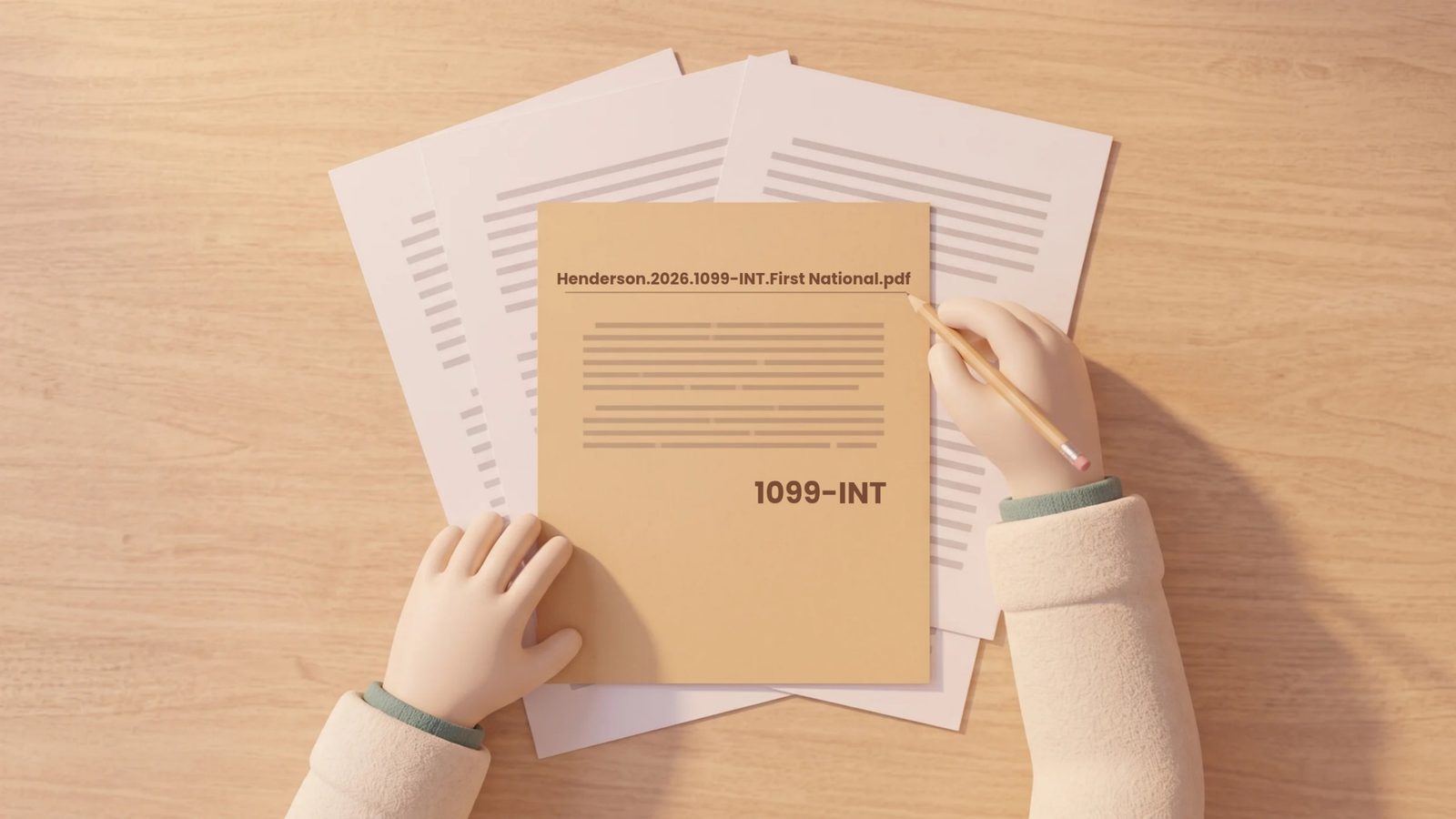
A hand labels a folder in the firm’s naming convention: Henderson.2026.1099-INT.First National.pdf
Every file leaves Resolve under one name pattern. Henderson.2026.1099-INT.First National.pdf client, year, form, issuer — the same for every file, every client.
Vera, the receiving clerk

Receive

Vera

Receiving clerk

Everything a client sends, through any channel, lands with Vera. She identifies it, files it under the right client and tax year, checks it against that client’s checklist, and reports what is missing. Not “you have new documents.” Specifically: this client is missing the mortgage interest statement.

Piper, the organizer

Resolve

Piper

Organizer

Before the season starts, Piper builds each client’s organizer from last year’s return, so it asks only for what your firm does not already have. When this year’s documents arrive, 2025 sits beside 2026 — and what has not come in yet stands out.

Lilly, client communication

Resolve

Lilly

Client communication

When Vera reports a gap, Lilly drafts the request. Nothing goes to a client until a person at your firm approves it. One tap. Your firm keeps the relationship; Lilly does the typing and the follow-up schedule.

Marco, the reviewer

Ready

Marco

Reviewer

The last stop before a preparer sees the file. Right client, right year, every page legible, checklist complete. Only then is the file marked prep-ready.

Atlas, source answers

Oversight

Atlas

Runs the department

Atlas has read every file and watched every hand-off. Ask him anything about what is happening — which clients still owe a signature, what is blocking a file, where a figure came from. Always with a source.

Who does what, in order.

One client file, five hand-offs. The only tap that is yours is the approval.

Piper

Builds the organizer from last year’s return.

Vera

Receives, renames, files. Flags what is missing.

Lilly

Drafts the request. You approve.

Marco

Reviews. Marks the file prep-ready.

Atlas

Oversees it all. Answers any question about the department.

client replies → back to Vera

Receive, Resolve, Ready — the sequence of a well-run intake desk, running on its own. You work with the department the way you work with staff: you message them.

What you’ll see in the demo

One client file, start to prep-ready.

  1. Three intake doors, one file. A photo by text, an upload to the portal, an email — all landing in the same client file.
  2. The missing 1098 caught by Piper’s organizer: last year’s return beside this year’s intake, and Vera flags the gap.
  3. A client request drafted by Lilly and approved with one tap.
  4. Marco’s review and the prep-ready handoff.
  5. Ask Atlas anything about the file or the department, and get a sourced answer.
Nothing for your clients to install.Documents arrive the way they already do: text, portal, email.
A person approves every message.Nothing reaches a client until someone at your firm taps approve.
You message the department.Ask Vera what is outstanding on a file. Tell Lilly to hold reminders through the weekend.

Watch a real file go through it. Pick a time.

30-minute demo on Zoom, in your time zone. Already decided? Sign up at getpennix.ai/signup.

The AI Intake Department for Tax Professionals.
Keep repetitive intake in front of Pennix—and professional judgment in front of the work that requires it.

Pennix does not replace tax preparation, tax advice, professional judgment, or professional responsibility.

© 2026 Pennix LLC. All rights reserved.